 AIPrOoHub
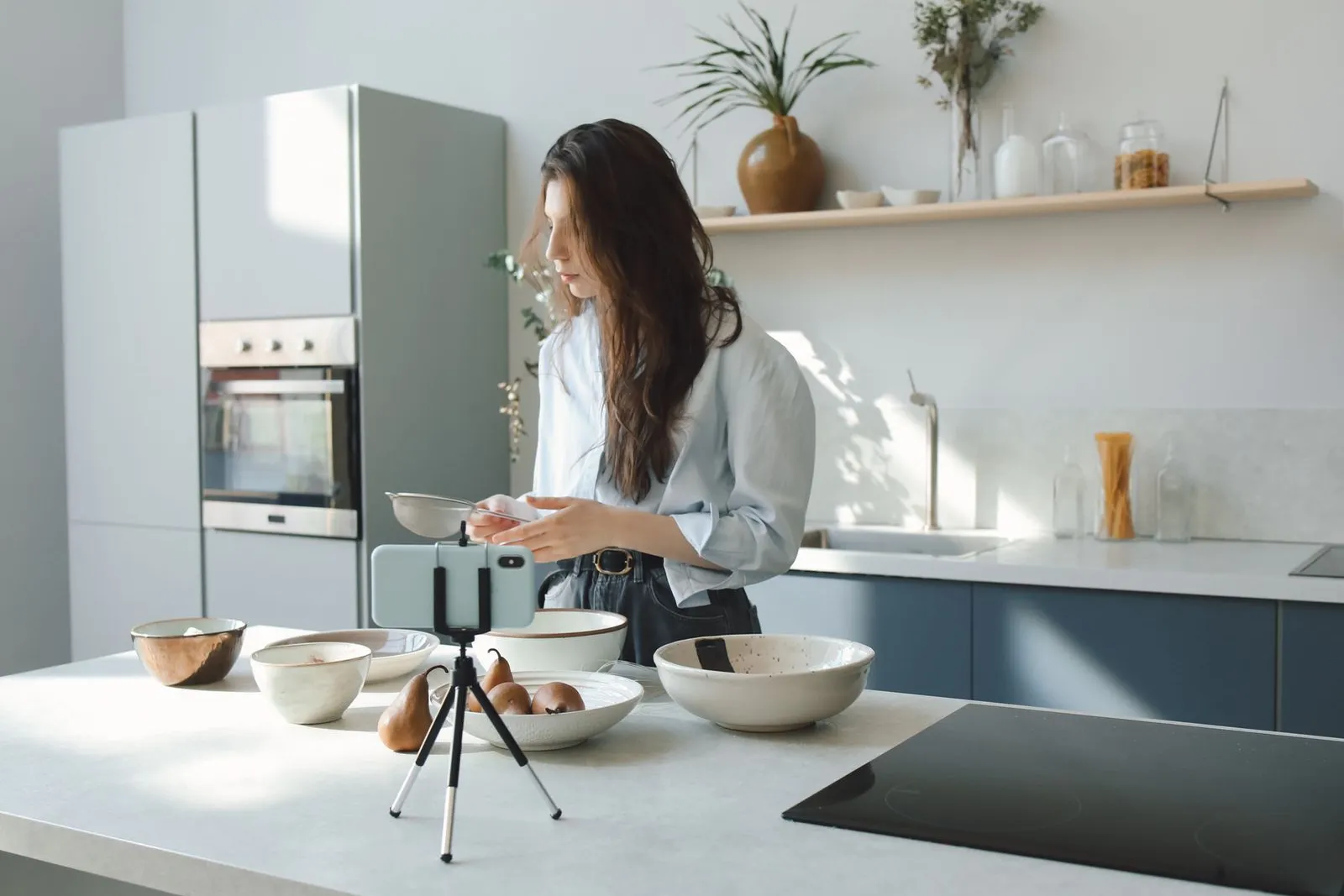
Your phone is the only camera most agents need, and this no-budget system pairs it with AI shot lists and a simple 20-minute filming workflow.
Here is the belief that keeps agents from posting video: you need a videographer, a gimbal, a drone, and a lighting kit before you can start. It is wrong, and every month you wait is a month of local authority handed to the agent who just filmed on her phone. Filming real estate videos with phone is not a compromise. For Reels, TikTok, Shorts, and even listing tours, a modern smartphone with the right settings and a real shot list beats an expensive camera with no plan. Build the shot list from a finished description: the Listing Description Generator gives you the feature order to film.
This guide gives you the complete no-budget system: AI-generated shot lists for any listing, the five phone settings that actually matter, and a 20-minute filming workflow you can repeat at every property. No crew, no gear anxiety, no excuses.
Filming real estate videos with phone: why it beats a camera crew
Short-form platforms were built for vertical phone footage. A video shot on a phone looks native in the feed; a cinema-camera video awkwardly cropped to vertical often looks worse. Your phone is also always with you, so you can film the moment a listing goes live and reshoot a flubbed line in ten seconds.
The real advantage is volume. Video marketing is a consistency game, and consistency requires a system cheap enough to repeat weekly. A $400 videography session per listing means you film only your best listings. A phone means you film every listing, every market update, every client win.
One honest caveat: for luxury listings where buyers expect cinematic quality, professional video still earns its fee. For most of your other business, the phone system below is all you need.
Filming real estate videos with phone: the 5 settings that matter
Forget the other 40 settings in your camera app. These five decide whether your footage looks professional or amateur.
1. Resolution: 4K at 30fps. The sweet spot. 4K lets you crop and stabilize in editing without quality loss, and 30fps looks natural for walkthroughs. Save 60fps for moments you might slow down, like a reveal shot.
2. Grid lines on. Turn on the grid overlay in your camera settings. It keeps verticals straight, which is the fastest way to make rooms look bigger and more expensive. Crooked doorframes scream amateur; straight lines whisper professional.
3. Lock your exposure. Tap and hold on the brightest window until AE/AF lock engages. Phone cameras constantly adjust exposure as you move, creating a flickering look in walkthroughs. Locking on the windows keeps the shot balanced.
4. Clean the lens. A quick wipe with your shirt removes the haze that makes every shot look slightly foggy. Make it step zero of every session.
5. Do Not Disturb on. Nothing ruins a perfect take like a client call vibrating through the audio. Flip it on before you press record, every time.
For more on the full video pipeline from script to post, see our guide to AI video scripts for agents, which covers what to say while the camera rolls.
AI-generated shot lists: the system
A shot list is the ordered list of every shot you need before you arrive. Professionals never wing it, and neither should you. AI can generate a custom shot list for any property in seconds, so you walk in with a plan instead of wandering around hoping for inspiration.
Here is the master prompt. Fill in the brackets for each listing:
Create a real estate video shot list for a [bedrooms]-bedroom, [bathrooms]-bathroom
[property type] at [property address], [square footage] sq ft, listed at [price].
Include 12 to 15 shots in filming order: exterior establishing shots, one smooth
walkthrough sequence, hero shots of the 3 best features, lifestyle detail shots
(kitchen, primary bedroom, outdoor space), and 2 "pattern interrupt" shots that
would stop a scroller. For each shot, specify: shot type, what to frame, camera
movement (static, slow pan, or walking), and duration. Optimize for vertical 9:16
phone filming for Reels and TikTok. Standout features: [list 2-3].
Run that prompt the night before a shoot. It forces you to name the home's three best features in advance, which is the strategic thinking most agents skip. When you know the heroes before you arrive, you give them the best light and the most time instead of discovering them by accident at minute 18.
The complete listing shot list, worked example
Here is what the prompt produces for a 4-bedroom, 2.5-bath colonial at [property address], 2,400 sq ft, listed at $489,000. Standout features: renovated kitchen, finished basement, big deck.
Exterior (film first, best light):
- Street establishing shot, 5 seconds. Stand across the street, phone at chest height, slow pan across the facade.
- Front door approach, 4 seconds. Walk slowly toward the front door. Gives the viewer the feeling of arriving home.
- House number detail, 3 seconds. Static close-up of the house numbers or porch landscaping. Adds production value.
Interior walkthrough (one continuous take):
- Entry to living room walkthrough, 12 seconds. Start at the front door, walk at half speed into the main living space. Your hero sequence.
- Kitchen hero shot, 8 seconds. Slow pan across the renovated kitchen from the island toward the windows.
- Kitchen details, 3 seconds each. Static close-ups: faucet, backsplash tile, open shelving. Three quick cuts that make the kitchen feel real.
- Primary bedroom, 6 seconds. Enter through the doorway, slow pan across the bed toward the windows.
- Primary bath detail, 4 seconds. Static shot of the vanity and mirror, then a slow tilt down to the tile.
- Finished basement reveal, 8 seconds. Start facing the basement door, open it, walk down. The reveal makes viewers lean in.
Lifestyle and pattern interrupts:
- Deck lifestyle shot, 6 seconds. Step onto the deck and pan across the yard. Frame seating or the grill like someone lives here.
- "Through the window" shot, 4 seconds. Film the backyard through the kitchen window, then step outside. Simple and cinematic.
- Ceiling-to-floor tilt, 5 seconds. Start at the ceiling fixture, tilt down to the fireplace or main feature. Easy and dramatic.
- Neighborhood context, 5 seconds. One shot from the driveway showing the street and trees. Buyers buy neighborhoods, not just houses.
- Closing detail, 3 seconds. A human touch: keys on the counter, mugs on the island. End on warmth.
Total filming time: about 20 minutes. Total footage: roughly 90 seconds, which edits down to a 30 to 45 second Reel plus reusable B-roll.
For agents who want the scripts to match this footage, our TikTok and Reels script guide pairs voiceover lines with each shot type.
Filming real estate videos with phone: the 20-minute workflow
Here is the exact sequence, refined to fit between appointments.
Minutes 0 to 2: prep. Do Not Disturb on, lens wiped, grid on. Walk the property once without filming and confirm your three hero features. Open blinds and turn on every light; phones need light the way plants need water.
Minutes 2 to 8: exterior. Film outdoors first. Light changes fastest outside, and you want the best of it.
Minutes 8 to 16: interior. Follow your shot list front to back. Film the walkthrough twice; the second is almost always smoother. For each hero feature, get one wide shot and two detail shots. Details are what make viewers comment.
Minutes 16 to 20: the human shots. Film yourself for 60 seconds: the hook line, one sentence about the best feature, and your call to action. Film these last, when you are warmed up. Agents who film talking parts first sound stiff; filming last fixes that.
Then stop. Ninety seconds of planned footage beats twenty minutes of random clips you will never sort. Trust the shot list, film it, and leave.
Common phone filming mistakes agents make
Filming too fast. Move at half the speed that feels natural. Slow in the moment becomes normal on screen; normal in the moment becomes shaky chaos on screen.
Ignoring vertical lines. Doorframes and window edges should be straight in the frame. Use the grid. This one habit separates amateur footage from professional-looking footage more than any gear purchase.
Filming in the wrong order. Starting with talking-head clips wastes the good light and rushes the shots that matter. Exteriors first, heroes second, talking last. Always.
Forgetting the neighborhood. Buyers fall in love with streets, schools, and coffee shops as much as kitchens. One or two neighborhood shots remind viewers you sell a lifestyle, not just square footage.
No call to action. End every video telling the viewer exactly what to do: comment their favorite feature, DM for the tour link, share with someone house hunting. Viewers who are told what to do next actually do it.
From footage to finished video
You now have 90 seconds of organized footage and a 60-second talking clip. The edit is simple: hook first (see our video hooks guide for 15 formulas), then the walkthrough, then hero features with detail cutaways, then the neighborhood shot, then your call to action. Add captions; most viewers watch with sound off.
Edit in CapCut or your phone's native editor. Keep every clip under 4 seconds except the walkthrough, and add one trending audio track at low volume under your voiceover. Export in 1080p; 4K exports are overkill for social feeds.
The edit takes 15 to 25 minutes once you have done it three times. Combined with the 20-minute shoot, you produce a listing video in under 45 minutes, which is why this system scales to every listing instead of just the luxury ones.
Frequently Asked Questions
Do I need a gimbal or stabilizer for phone filming?
No. Modern phones have excellent built-in stabilization, and the slow-movement technique in this guide keeps footage smooth. A ten-dollar mini tripod helps with static shots, but a gimbal is optional. Spend the effort on good lighting habits instead.
What is the best time of day to film a listing with a phone?
Mid-morning, roughly 10 to 11, or late afternoon golden hour. Avoid noon, when harsh overhead sun blows out windows. If you visit once, choose the time the home's best room gets direct natural light.
Should I film in horizontal or vertical?
Vertical (9:16) for Reels, TikTok, and Shorts, where agent video gets discovered. If you also want horizontal for YouTube or your website, film the walkthrough twice, once each way. Do not film horizontal and crop; you lose too much frame.
How do I get good audio when filming on my phone?
Film talking clips within arm's length in the quietest room, and pause the HVAC if it hums. For walkthroughs, record voiceover separately in your car afterward; it will be cleaner than anything captured while walking. A twenty-dollar lapel mic is the only accessory worth buying early.
Can AI really write a useful shot list, or is it generic?
It is genuinely useful when you feed it specifics: bedroom count, square footage, price, and standout features. The prompt in this article forces that specificity. Expect much of the AI list to be immediately usable after a quick reorder.
The Shortcut
If you want AI-generated shot lists plus 200 more prompts, already organized by task, the AI Prompt Pack for Real Estate Agents is the shortcut: listing video shot lists and scripts, hook formulas that stop the scroll, and market update outlines that turn data into watch time, all copy-paste ready and written for how agents actually work.
Get the AI Prompt Pack, $39, instant download →
Related reading: AI video scripts for agents on Reels and TikTok · Video hooks for realtors that stop the scroll · Instagram content for realtors with AI · Drone and Virtual Tour Narration
Outbound references: NAR on the growing role of video in home buyer searches · Inman on short- and long-form video tips · Inman on smartphone video tips for agents
Get the AI Prompt Pack, $39, one time (opens in new tab). 209 prompts that write listings, ads and follow-ups like these, ready to paste.