 AIPrOoHub
Home › Free Tools › GCI Goal Planner: How Many Deals to Hit Your Target?
Free tool, no sign upGCI Goal Planner: How Many Deals to Hit Your Target?
Enter your income goal and your real conversion rates. Get the closings, appointments and leads per week the year needs.
The GCI Goal Planner works backwards from the take home income a real estate agent wants next year to the workload that produces it: closings needed, appointments needed and leads per week, after the brokerage split. Enter your goal, average price, commission, split and real conversion rates, and get a quarterly plan built on the number that runs your week.
The planner, up close
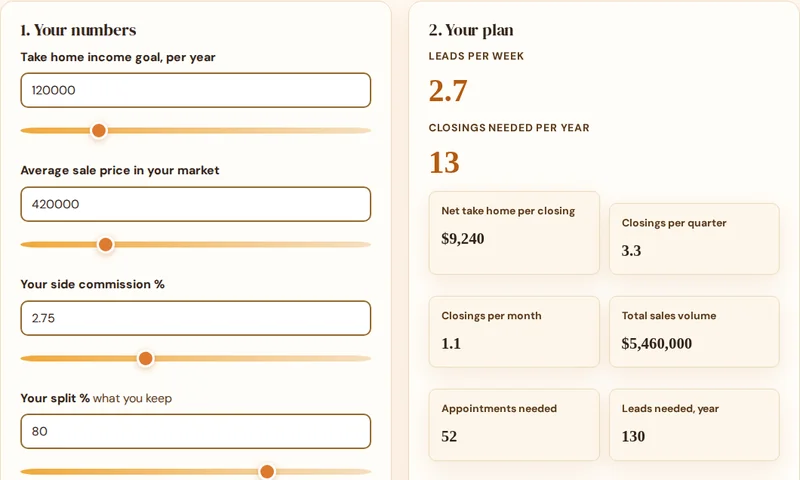
This is the planner itself. Enter your income goal and your real conversion rates, and get the closings, appointments and leads per week the year needs.
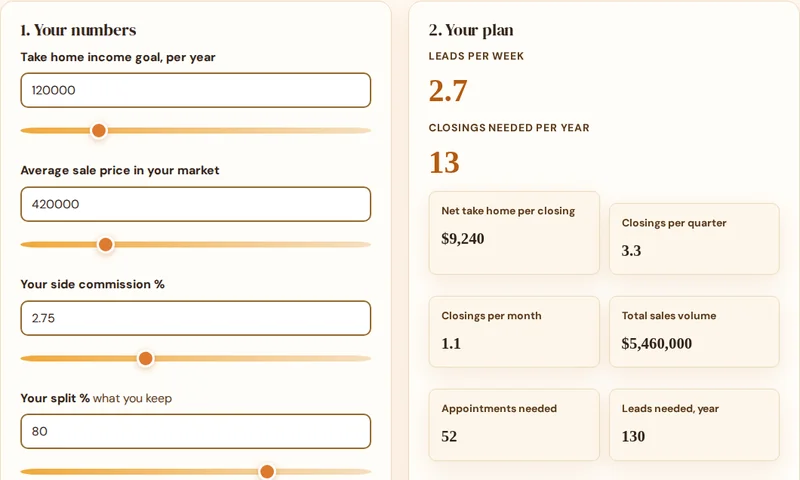
1. Your numbers
Estimated income after your brokerage split, before income taxes and other business expenses.
Conversion defaults reflect common industry coaching benchmarks. Replace them with your last 12 months for a plan you can trust.
2. Your plan
Leads per week
Closings needed per year
The funnel, run backwards
| Stage | Needed per year | Conversion |
|---|
Quarterly milestones
| Quarter | Cumulative closings | Cumulative take home |
|---|
The planner gives you the workload. The pack gives you the words that turn leads per week into appointments.
Plan backwards, work forwards
Most agents set an income goal by picking a round number in January and hoping effort scales to meet it. A goal planner replaces hope with arithmetic. Your take home goal, divided by what you actually keep per closing, gives the closings. Closings, divided by your appointment conversion, give the appointments. Appointments, divided by your lead conversion, give the leads, and the leads divided by your working weeks give the only number you can act on every Monday morning. Every layer is your own data, so the plan is yours, not a coach's poster.
Notice where the leverage hides. Raising your lead to appointment conversion from 40 to 50 percent cuts the leads you need by a fifth, which is why follow up systems outperform lead buying for most solo agents. Our guide to the 5 minute lead follow up shows the speed habit that moves that conversion number, and the Follow Up Sequence Builder on this site turns it into a day by day system.
Hit the leads per week number, with a system
The planner tells you the workload. The AI Prompt Pack gives you the words: 209 prompts for follow up, prospecting emails, social content and listing copy, so the weekly lead work produces appointments instead of silence.
Instant PDF download. 30-day money-back guarantee.
Commercial license, $68 (opens in new tab)
Refund help: [email protected]
How do you plan a GCI goal?
How is this different from a commission calculator?
A commission calculator multiplies one deal by one rate and answers a per deal question. A goal planner runs your target backwards: from the take home income you want, through your split, your average price and your real conversion rates, to the closings, appointments and leads the year actually requires. The output is a workload, not a commission figure, and a workload is what you can manage.
Why does the planner use take home, after split?
Because nobody pays rent with gross commission. Your income goal lives after the brokerage split, so the planner starts there: net per closing is calculated on your split first, and everything upstream, closings, appointments, leads, is built on the money you actually keep. Plans built on gross numbers quietly overpromise by exactly your split.
How do I find my conversion rates?
Count the last 12 months honestly. Appointments to closings: of the listing and buyer appointments you attended, how many ended in a closed deal? Leads to appointments: of the leads you worked, how many sat down with you? If you are new, start with the defaults here, 25 percent and 40 percent, track the real numbers for a quarter, and re-plan. A plan with honest inputs beats a fantasy with precise ones.
What do I do with the quarterly milestones?
Put them where you see them weekly. The milestones split the year into four checkpoints with closings and cumulative take home, so a bad quarter shows up in April, when it is fixable, instead of November, when it is not. If you fall behind, the fix is upstream: more leads per week, not more hope per closing.
More free tools for agents
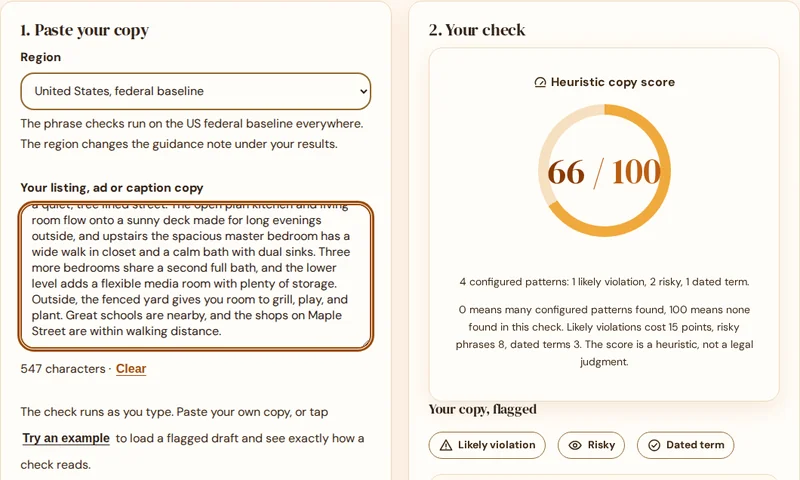
Fair Housing Compliance Checker
Flag risky phrases in any listing, ad or caption and get a property focused rewrite for each one.
Check my copy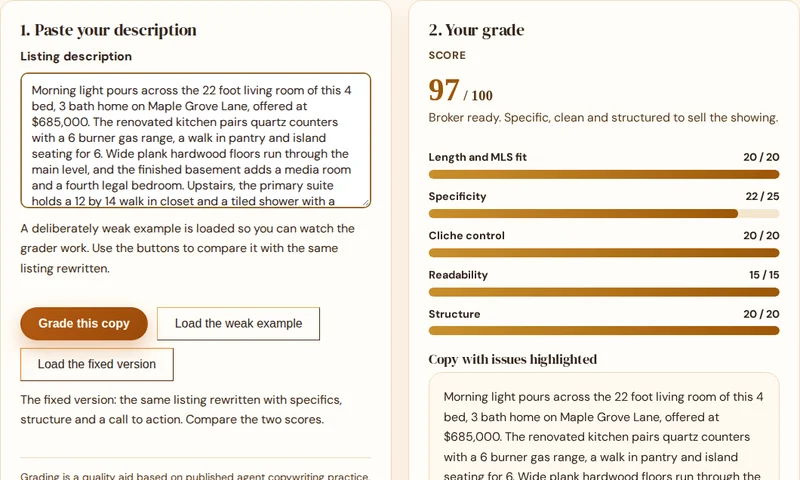
Listing Copy Grader
Score a description out of 100 and fix the weak spots with concrete, line by line fixes.
Grade my copy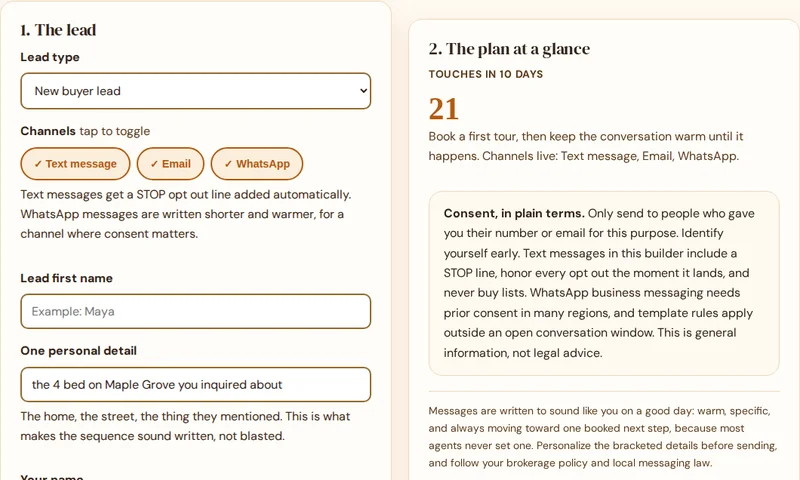
Follow Up Sequence Builder
Day by day follow up for every lead type, with a ready to copy text and email message for every touch.
Build my sequence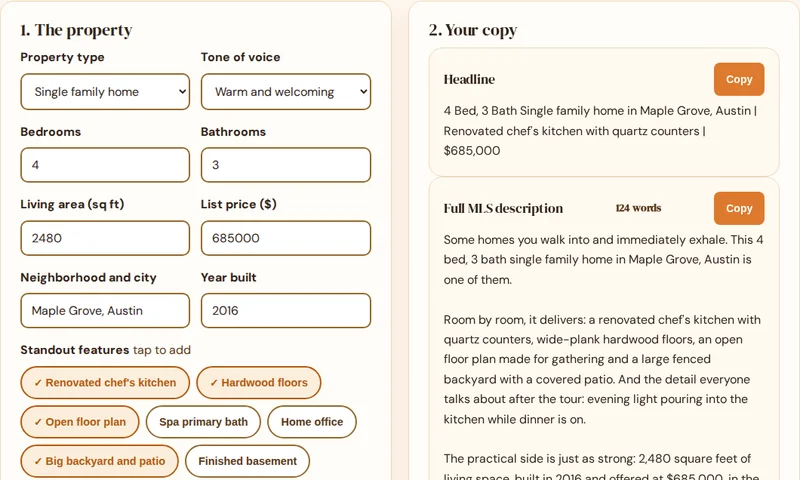
Listing Description Generator
Turn property specs into a full MLS description, a short portal version and a headline.
Generate a description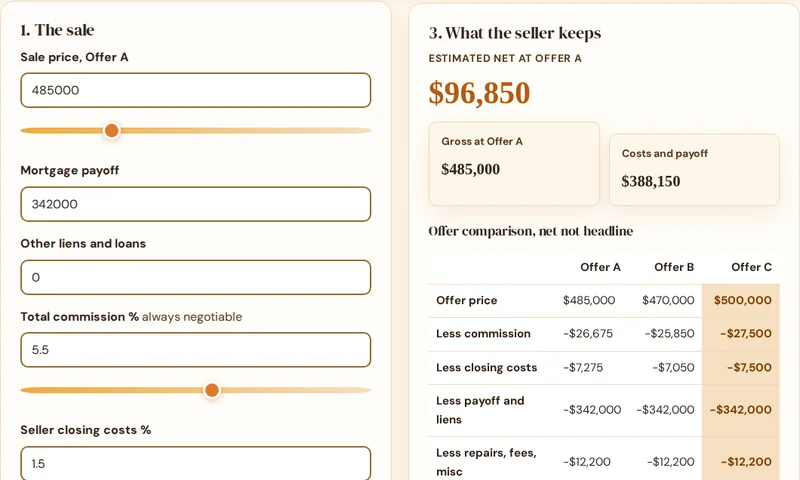
Seller Net Sheet Calculator
Estimate what a seller keeps, compare offers by net and print a clean sheet for the appointment.
Run a net sheet- Fair Housing Compliance Checker
- Listing Copy Grader
- Follow-Up Sequence Builder
- Listing Description Generator
- Seller Net Sheet Calculator
- GCI Goal Planner
All six free tools
The checker is one of six free tools. See them all together on the tools hub: the grader, the follow up builder, the description generator, the net sheet calculator and the GCI goal planner.
See all six toolsAll six tools are free to use, with no signup. Open the tools hub to see them together.