 AIPrOoHub
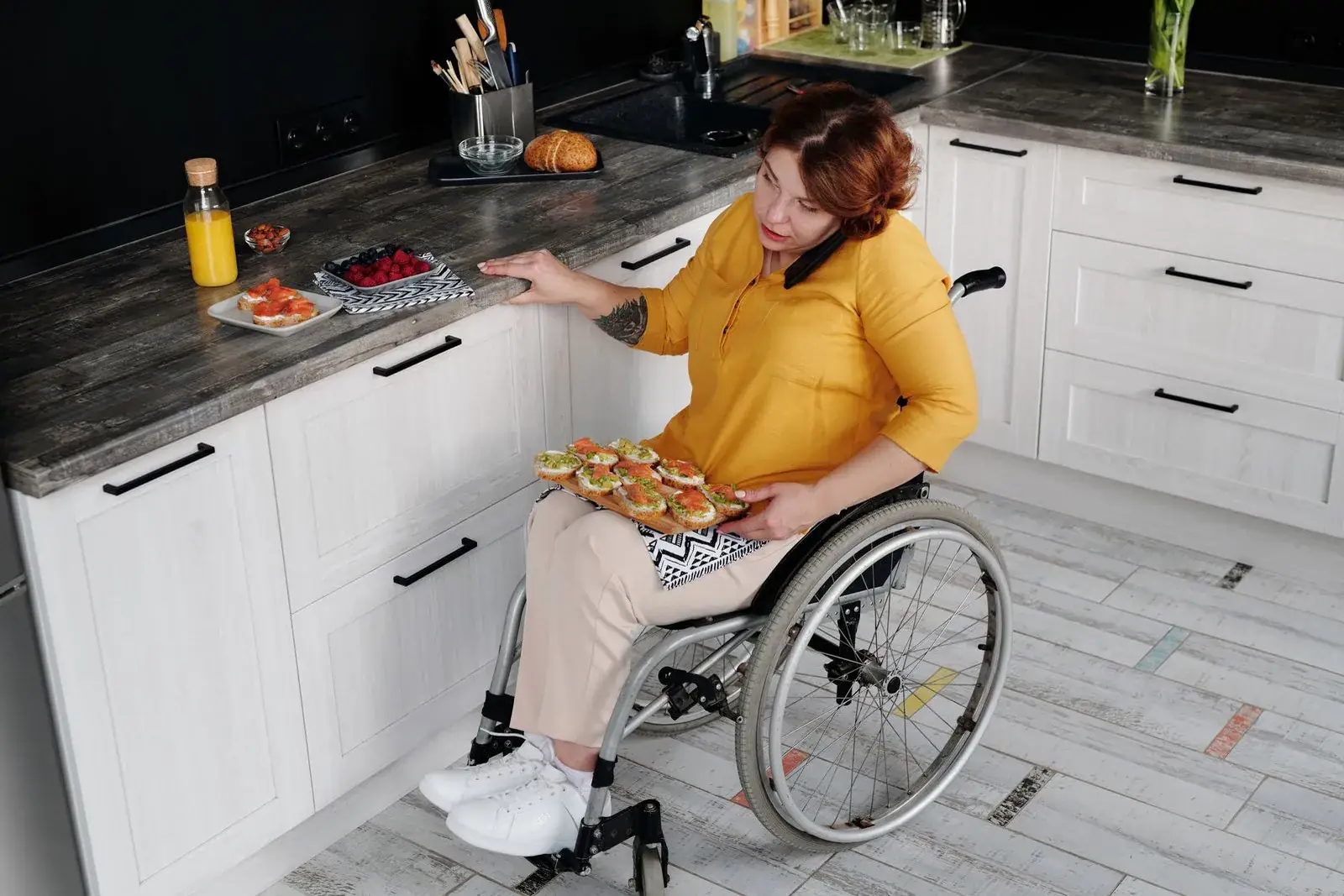
Ramps, grab bars, and single-story layouts sell homes, but describing them wrong steers buyers by disability status. This AIPrOoHub system keeps your accessibility copy honest and fair housing safe.
A zero-step entry, a walk-in shower, a single-story layout: these are among the most requested features in American home searches, and the features agents describe most carelessly. The fix is AI accessibility feature marketing copy, copy that names the feature precisely without ever suggesting who the home is for.
Most agents either bury accessibility features, losing every buyer who filters for them, or use buyer labels like "perfect for seniors," which is where fair housing law gets personal.
AI makes both mistakes faster. This article gives you the system: the steering line, the ten searchable features, rewrite patterns, listing examples, caption rules, ad copy, and a QA checklist. Screen every draft with the Fair Housing Compliance Checker first.
Why Accessibility Copy Is a Legal Minefield
Disability is a federally protected class under the Fair Housing Act, and steering, directing buyers toward or away from housing based on a protected characteristic, is aggressively pursued. "Perfect for seniors" feels like helpful marketing; to a regulator, it reads as assigning a buyer profile.
Generic AI models default to persona-driven copy ("great for retirees"), and when the persona touches age or disability, the steering risk is direct.
The rule: describe the property, never the person. "Zero-step entry from the garage" passes; "perfect for anyone with mobility issues" fails. For the full framework, read Fair Housing Safe AI Listing Copy.
The steering phrase screener
"You are a fair housing compliance screener for real estate copy. Review this listing text: [paste your draft]. Flag any phrase that suggests a buyer profile, references disability, age, or family status, or could be read as steering. For each flag, quote the phrase, explain the risk in one sentence, and provide a compliant rewrite of the physical feature. American English."
Why it works: it points at the exact problem and hands you a paste-ready fix.
The Steering Line: Describe the Feature, Never the Buyer
Test any sentence: does it describe the home, or who should live there? The first is marketing; the second is steering, or close enough to cost you months.
Three patterns fail: buyer labels ("wheelchair users," "seniors"), suitability claims ("perfect for," "ideal for" plus a group), and implied need ("you will never climb stairs again"). Three pass: physical descriptions, measurements, and neutral feature benefits.
Watch words that feel technical but act as labels. "Handicap accessible" is an outdated label, and "ADA compliant" is a legal claim that almost never applies to private residences; never write it without written certification. Use "accessible design features" for the home, never "accessible for" plus a person type.
The buyer-label purge
"Scan this copy and replace every buyer label or suitability claim with a physical feature description: [paste copy]. No phrases like perfect for followed by people; no disability or age labels for buyers. List changes as 'before' and 'after.' American English."
Why it works: it turns an abstract rule into edits you can approve line by line.
The Ten Features Buyers Actually Search For
Buyers who need these features search with specific vocabulary. Match it, then add the measurement.
One, zero-step entry at the front door, garage, and patio. Two, single-story living with a main-level primary suite, the most searched accessibility phrase in residential real estate. Three, wide doorways and hallways: "36-inch interior doorways," "48-inch hallways." Four, walk-in or curbless showers with grab bars. Five, lever door handles and rocker light switches. Six, comfort-height toilets and raised vanities. Seven, ramps: describe what exists ("permanent concrete ramp at the front entry"). Eight, elevators or stair lifts, with brand and capacity if known. Nine, accessible kitchen clearances ("five-foot turning radius"). Ten, smart home controls, described as upgrades to keep the copy premium.
Every item is a physical fact; none names a buyer.
The feature inventory builder
"Interview me one question at a time about this home's accessibility features: entries, doorway widths, bathroom fixtures, kitchen clearances, ramps or lifts, smart home features. Then produce a feature inventory with measurements as fair housing safe bullets for the MLS."
Why it works: the interview extracts the details that make copy specific and searchable.
The Rewrite System: Steering Phrase to Safe Copy
Keep this table handy. "Wheelchair accessible home" becomes "zero-step entry, 36-inch interior doorways, curbless primary shower." "Perfect for the disabled" becomes nothing: delete it and describe the features. "Handicap ramp out front" becomes "concrete entry ramp at the front door." "Great for aging parents" becomes "main-level suite with full bath, walk-in shower, and private entrance." "Ideal for seniors" becomes "single-story floor plan with no interior stairs." "Mother-in-law suite" becomes "private first-floor suite with kitchenette and full bath" (the original implies a family arrangement, touching familial status). "Easy for the elderly" becomes "lever door handles, rocker switches, main-level laundry." "ADA approved home" becomes "accessible design features include [list]."
Caution: the same rules apply in Spanish translation, where a safe English phrase can become a buyer label. Screen translated copy separately; see AI Bilingual Spanish Real Estate Marketing.
Want every prompt in this system ready to copy? Get the AI Prompt Pack ($39) →
The feature-first rewriter
"Rewrite this feature list into fair housing compliant listing bullets: [paste list]. Describe only physical features with measurements; never name a buyer type; avoid perfect for, ideal for, great for. You may use 'accessible design features' for the home, never 'accessible for' plus a person type. American English, warm."
Why it works: banning suitability phrases forces the model to stay with the physical facts.
Full Listing Descriptions: Before and After
The before version, written with good intentions and real risk: "This charming wheelchair accessible home is perfect for seniors or anyone with mobility challenges. The handicap ramp out front makes entry a breeze, and the ADA bathroom means total peace of mind. Ideal for retirees looking to age in place."
Every sentence assigns a buyer or makes an unprovable claim: "wheelchair accessible," "seniors," "mobility challenges," "handicap," "ADA bathroom," "retirees," "age in place." Seven problems in three sentences.
The after version: "This charming single-story home offers zero-step entry from both the front door and the garage. The primary suite features a curbless walk-in shower with dual grab bars and a built-in bench, plus 36-inch doorways throughout the main living areas. A concrete entry ramp, main-level laundry, lever door handles, and rocker light switches complete the accessible design features. The fenced backyard is reached by a level patio with no steps. All buyers are welcome to tour this thoughtfully designed home."
Same house, zero buyer labels, and more persuasive because it is specific. Measurements sell; labels do not.
The full description builder
"Write a 150 to 180 word MLS description for a [beds]-bed, [baths]-bath home in [market] with these accessibility features: [paste list]. Physical features only, with measurements, warm premium tone, no buyer profile. End inviting all buyers to tour. American English."
Why it works: the word count stops padding and the feature list keeps it honest.
Photo Captions, Alt Text, and Virtual Tour Scripts
Alt text serves screen-reader users and is indexed by search engines. Write it as pure description under 125 characters: "Wide front entry with ramp and double doors in morning light." Describe what the camera sees, never who it is for.
Social captions stay feature-forward with a neutral benefit: "Zero steps from the driveway to the front door." Tour scripts work the same way: "notice there are no steps between the garage and the kitchen." Every caption answers "what is it," never "who is it for."
The photo caption generator
"Write captions and alt text for these listing photos: [list each photo]. Per photo: one warm caption naming the feature and its neutral benefit, plus alt text under 125 characters, purely descriptive. Never name a buyer type. American English."
Why it works: it matches how each is actually used, so you stop writing one vague line for both.
Marketing Beyond the Listing: Ads, Flyers, and Social Posts
Meta housing ads run under Special Ad Category rules; your copy must be equally neutral. No buyer personas, no "calling all retirees." Lead with the feature: "Single-story living, zero-step entry, curbless primary shower."
Flyers can carry an "Accessible Design Features" callout box, presented as value, not accommodation. Social posts work as carousels: "5 features that make daily life easier in this home." Describe neighborhoods factually (sidewalks, curb cuts) without connecting them to a buyer type; see AI Neighborhood Guides.
The ad copy adapter
"Adapt this compliant listing description into: 1) a Meta ad headline (under 40 chars) plus primary text (under 125) for a Special Ad Category housing ad, fully neutral; 2) a flyer headline and five feature bullets; 3) three social captions under 40 words with different hooks. Source: [paste]. Keep every version fair housing safe. American English."
Why it works: the compliance work you did once carries into every channel.
The QA Checklist Before Anything Publishes
Run this on every piece of accessibility copy. One, no buyer labels (wheelchair, disabled, handicap, seniors as nouns for people). Two, no suitability phrases (perfect for, ideal for, followed by a group). Three, every feature has a measurement where one exists. Four, no ADA claims without documented certification. Five, the draft passed the Fair Housing Compliance Checker. Six, a human read it out loud. Seven, translations screened separately. Eight, alt text on every photo describes the image, not the buyer. Save it as a template in your listing workflow.
Frequently Asked Questions
Can I say "wheelchair accessible" in a listing?
Describe the features instead. "Wheelchair accessible" is vague and labels the home by disability. Use specifics: zero-step entry, 36-inch doorways, curbless shower. Buyers who use wheelchairs search for those exact phrases.
Is "perfect for seniors" really a violation?
It can be treated as steering based on age and disability, and it tells other buyers the home is not for them. Describe the single-story layout and main-level suite instead; seniors will recognize themselves in the features.
What if the seller asks me to market to a specific group?
Explain that fair housing law requires marketing to all buyers, and feature-specific copy reaches their intended audience better anyway. A buyer searching for a zero-step entry finds "zero-step entry" faster than "perfect for seniors."
Can AI write compliant accessibility copy on its own?
Not reliably. Generic models default to persona language unless forbidden. The workflow: you supply the feature inventory, the prompt bans buyer labels, and you screen the output. AI drafts, you decide.
Should I mention accessibility features at all, or is silence safer?
Silence is the expensive option. Buyers who need these features search for them explicitly, and a listing that never names them is invisible to the most motivated buyers. The risk was never in mentioning the features; it was in describing the buyers.
The Shortcut
You now have the full system: the steering line test, the ten searchable features, the rewrite table, listing examples, caption rules, ad adaptations, and the QA checklist. Build the prompt set once and every accessible home gets compliant copy in minutes.
Get the AI Prompt Pack, $39, instant download →
Related reading: Fair Housing Safe AI Listing Copy (2026) · AI Neighborhood Guides (2026) · AI Bilingual Spanish Real Estate Marketing (2026) · Listing Photo Alt Text
Get the AI Prompt Pack, $39, one time (opens in new tab). 209 prompts that write listings, ads and follow-ups like these, ready to paste.